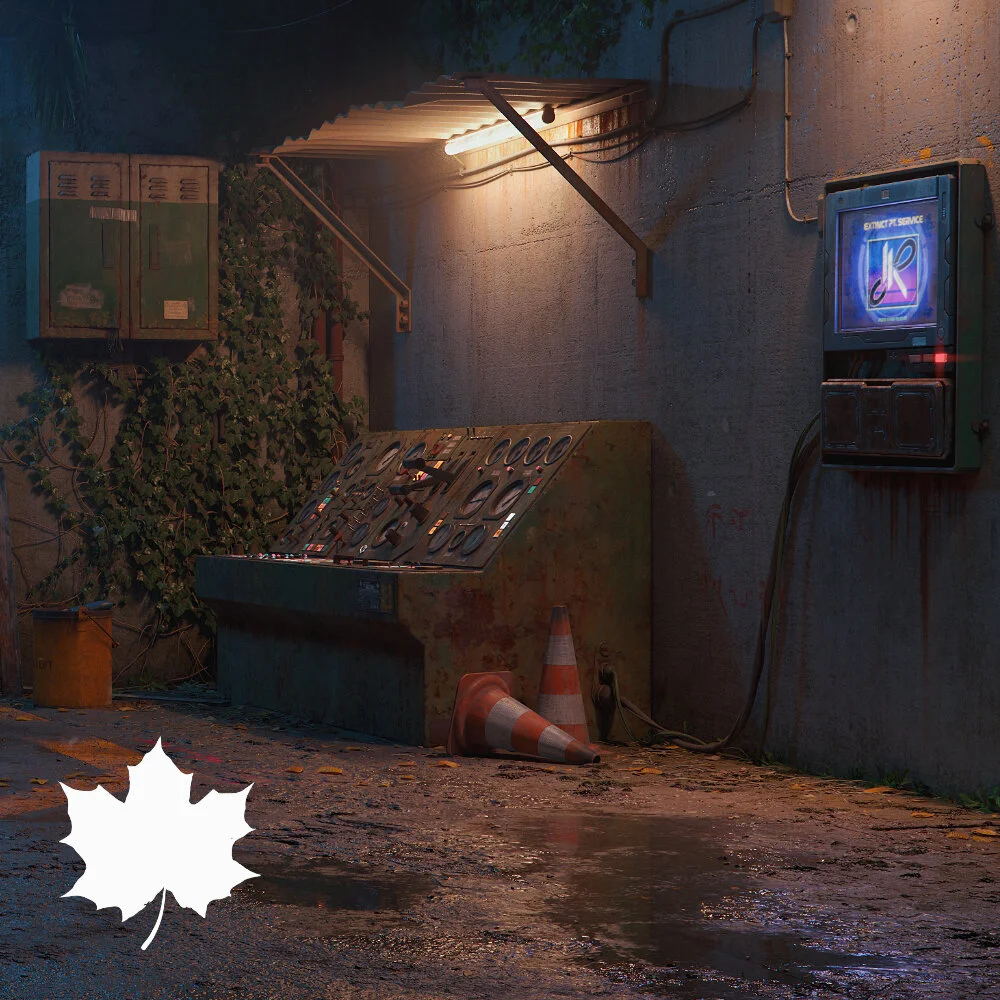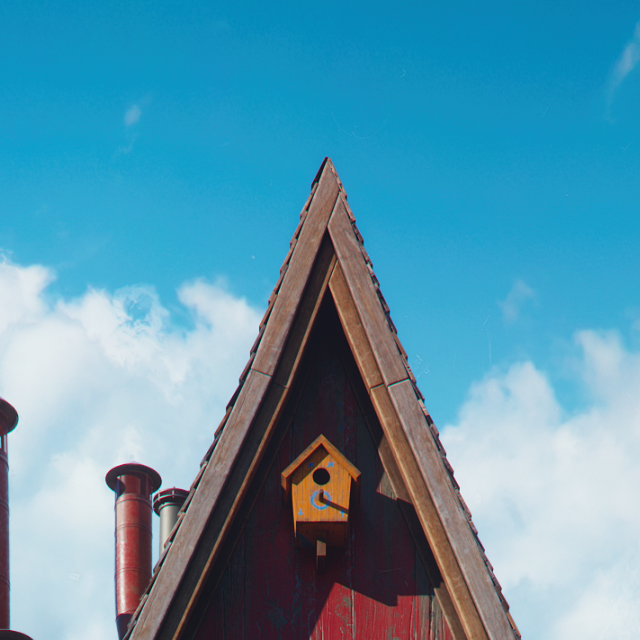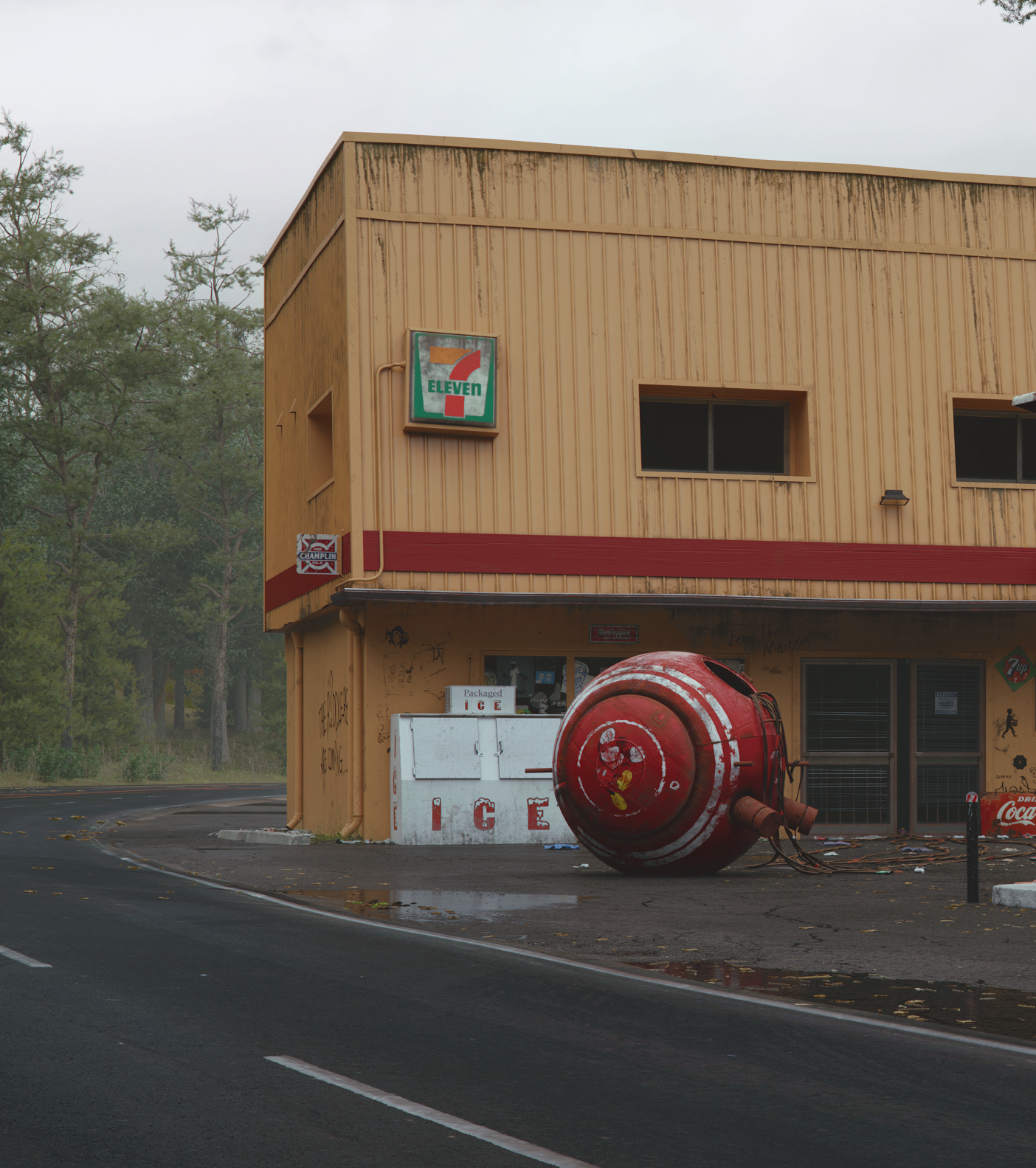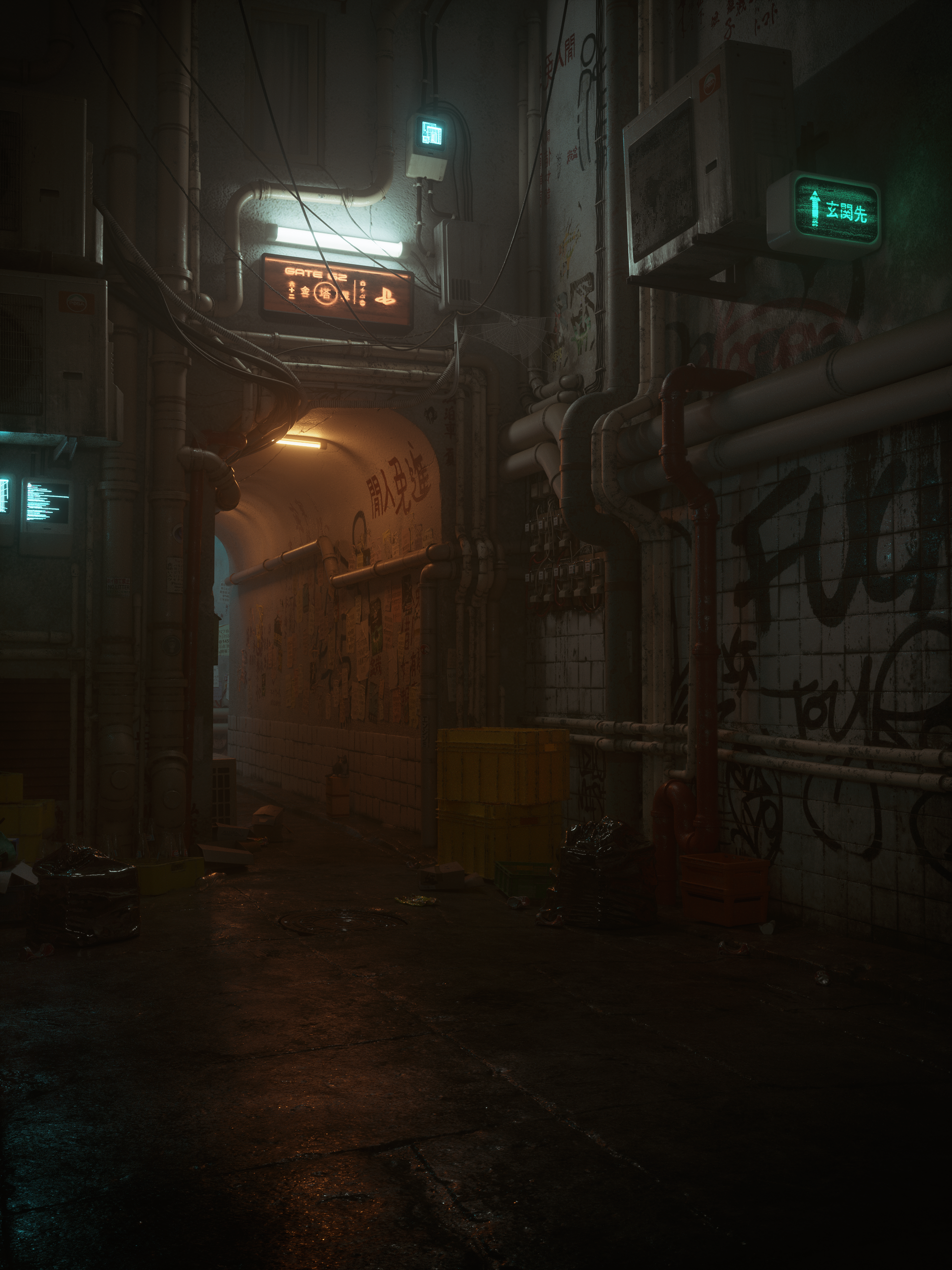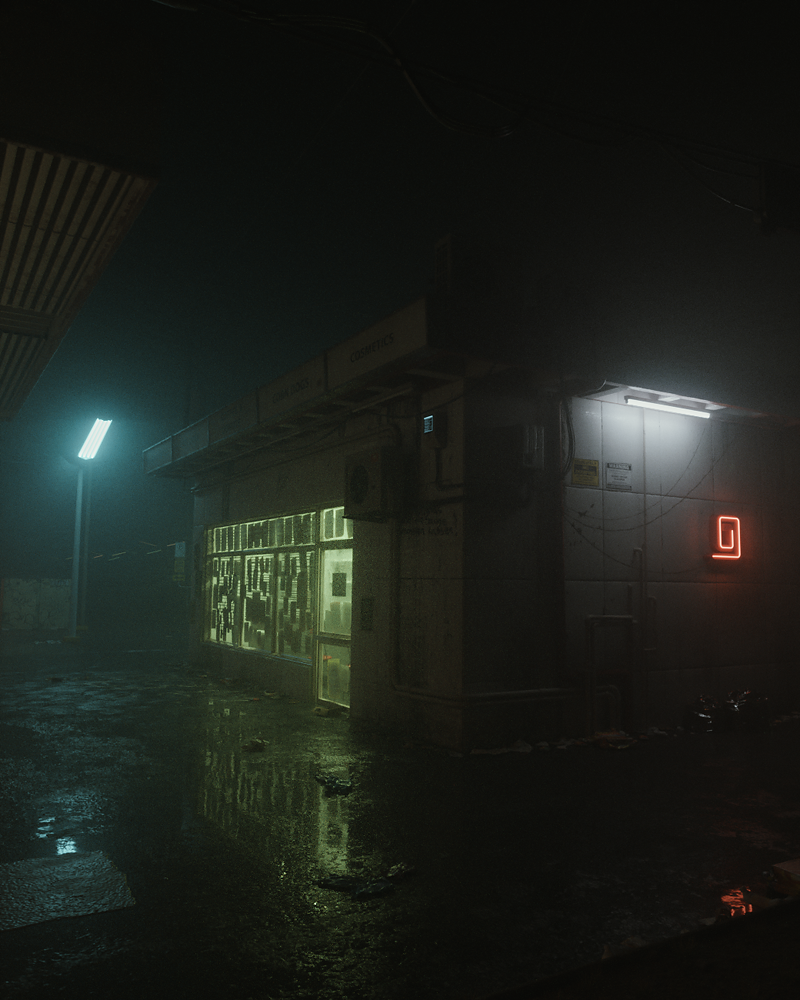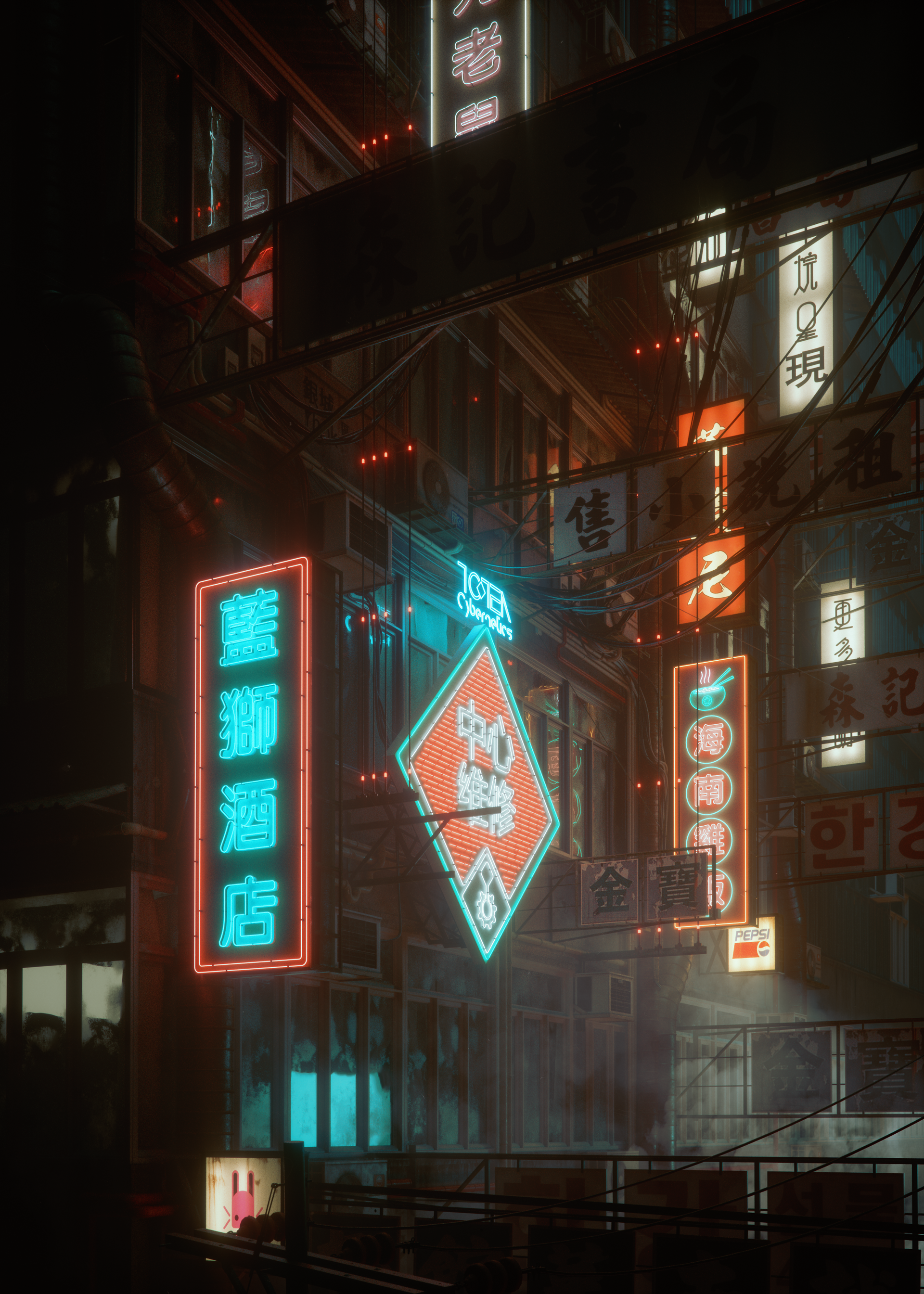
A few weeks back , i drew a sketch of a house that i’ve been into to dreaming , its was a strange experience since i don’t Lucid Dream that often . but the one thing i really liked about that dream was the house the i was in , its difficult to explain how things look like , but with a simple sketch shortly after i realize i was awake , i was able to visualize this using what i knew as a 3d artist , i cant say that the exterior part looks exactly the same thing i saw but the interior part is very close .
The point of this project was to study more about architecture as a non architect , because generally i find architecture a very intersting thing . and of course it is also to practice and enhance my c4d-vray skills and also get to share things i learned with everyone else . hopefully this will be a continuous project meaning that am going to continue to work on it to make it as good as it could get ,also am aiming for animation short for this project
This first part is about the exterior , and the second is going to be about the interior and maybe other parts later for other ideas
All renders are made using Cinema 4D for the modeling , texturing and V-Ray for Lighting and Rendering .Color corrected using After Effects and Photoshop , here are the main shots ( Click the image to enlarge to full HD or right mouse click > open in a new tap )
3 Days ago i saw a nice sketch on my instagram feed from a graphic designer who likes to draw and sketch . i thought it would be fun to bring the sketch to life by making a 3d visualization out of it . although i did the modeling of the room and the closet with the books from Models Pack 3 , the rest ( the bed , the desk chair and the macbook ) where models i got from here and there .
Eugene from www.musecreative.net is donating some awesome free models on his site , thought it would be nice to share this Kitchen scene . Get the kitchen scene form here www.musecreative.net/freestuff .
In this quick tip / tutorial we are going to take a look at the Vray physical Camera and its depth of field capabilities to create the macro effect you see in a real world macro lens
The VRay physical camera behaves just like a real world camera or a DSLR camera with only few differences and advantages as we are in the digital world , for example in an actual DSLR you can’t simply turn off the depth of field , you can only reduce it by adjusting the f stop . and if you increase the ISO you would get a lot of noise in a real DSLR but you won’t get any in our software , as well as the Vignetting effects.. etc .
So we have a lot of options here and we can do the impossible things with vray ( compared to the real world camera ) .
One of the things we can do is to take macro shots , sure we can do this in post ( like i did here ), but there is no match to the physical depth of field that VRay produces . Lets take a look at how we can do this .
Both in a real DSLR and the VRay physical camera , the depth of field depends on the f number . in addition to that , VRay only requires one more thing and it is “proper scale” . will get to the f number in a moment but make sure you always work with real world scale in Cinema 4D in order to get the best results in terms of lightning and camera settings .
Now let’s talk about the f number here . and as a general rule of thumb , keep in mind that higher numbers mean a smaller aperture and smaller numbers mean larger aperture , aperture size can effect both the exposure and depth field , the larger the opining ( small f numbers ) the more light passes into the sensor and vise versa . the larger f number ( smaller opining ) means less depth of field .
Take a look at these renders and see the differences between the them and how the f stop effects the depth of field ( click to enlarge )
A new version of the Models Pack 3 is out , 11 new models have been added and some textures where fixed , and as always check your inbox for the new link if you are already have your copy ( purchased) . or you can also grab a new one ( updated ) from Here